 RiftSight
Track your deck.
Hover cards in videos and streams.
A deck tracker while you play on Rift Atlas, and cards you can hover to see full size in YouTube and twitch.tv videos and streams of Rift Atlas, TCG Arena and physical play, with nothing for the streamer to set up. Streamers who connect share their board and, if they choose, their deck.
RiftSight installs in Chrome, Edge or Brave on a computer.
Free. No RiftSight account to play or watch. No tracking.
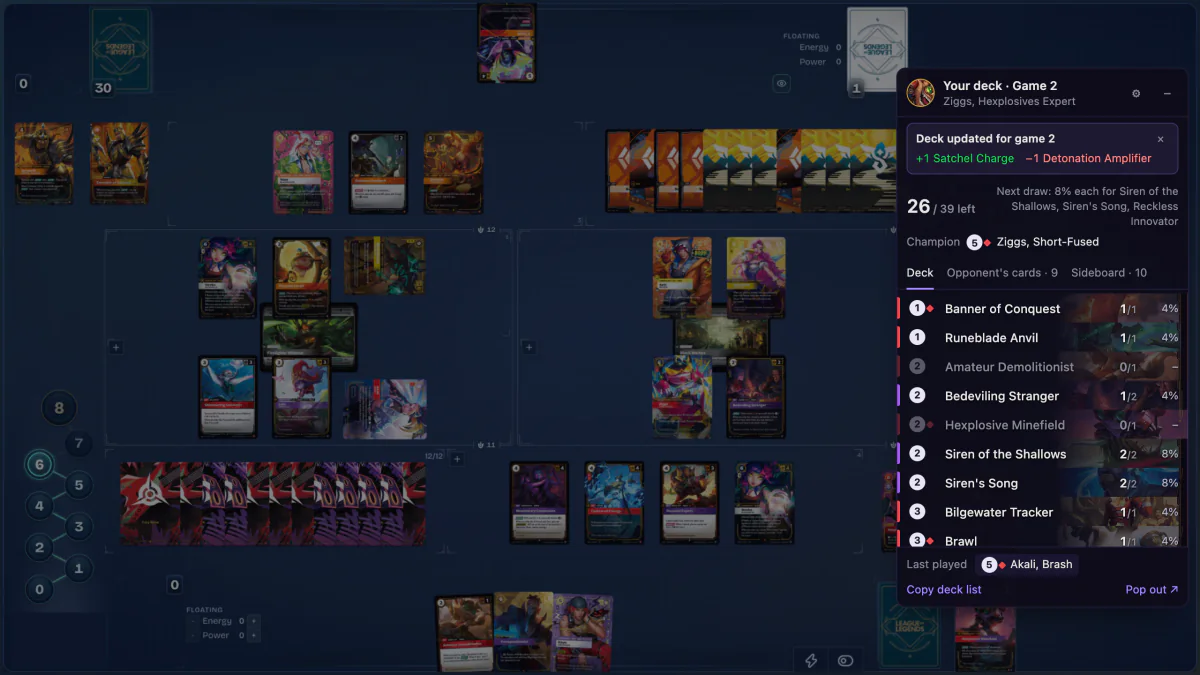
Your deck, tracked as you play.
A deck tracker in the Rift Atlas page, whether you stream or not.
- Cards left on every row, sorted by cost, with your odds for the next draw.
- Your champion, sideboard, and the cards your opponent has revealed, with game numbers and sideboard changes in a best of three.
- Match history on your device when you turn it on, and the tracker in the page or a separate window.

Hover a card in a Riftbound video to see it full size.
In YouTube and twitch.tv videos and streams of Rift Atlas, TCG Arena and physical play. Install once, turn on Watch, and click the RiftSight button on the video.
- Rest the pointer on a card to see it full size. When RiftSight isn't sure, it shows nothing.
- Digital and physical: Rift Atlas and TCG Arena games, and physical play on the table.
- The newest set too: RiftSight named 93 of 96 readable Radiance cards on Rift Atlas and TCG Arena in our test. Newly revealed cards are added in regular updates.
- Streams that use RiftSight add the streamer's deck when they share it: cards left, champion and sideboard, in step with the video. Hover a row, or copy the list.
Make your board hoverable.
Viewers with RiftSight hover the cards on your stream. You link your channel once; it runs whenever Rift Atlas is open.
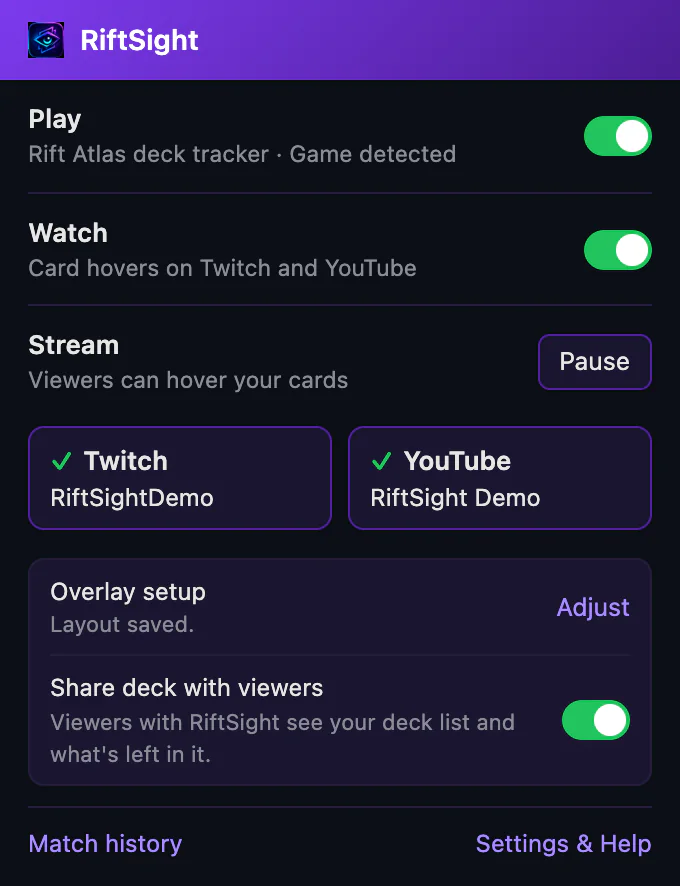
- Link Twitch, YouTube or both. Viewers can hover your cards whenever you play; Pause stops it.
- Works full screen by default. A facecam or a cropped game? Adjust the overlay layout from one OBS screenshot.
- Share your deck if you want to: a Deck panel for viewers with RiftSight, or an OBS graphic for everyone. Both are off by default; shared counts can let viewers work out cards in your hand.
Hover a card on this board.
A real Rift Atlas board from our own test game, with the overlay the extension draws. The extension itself runs in desktop Chrome. Drag the board to see all of it.
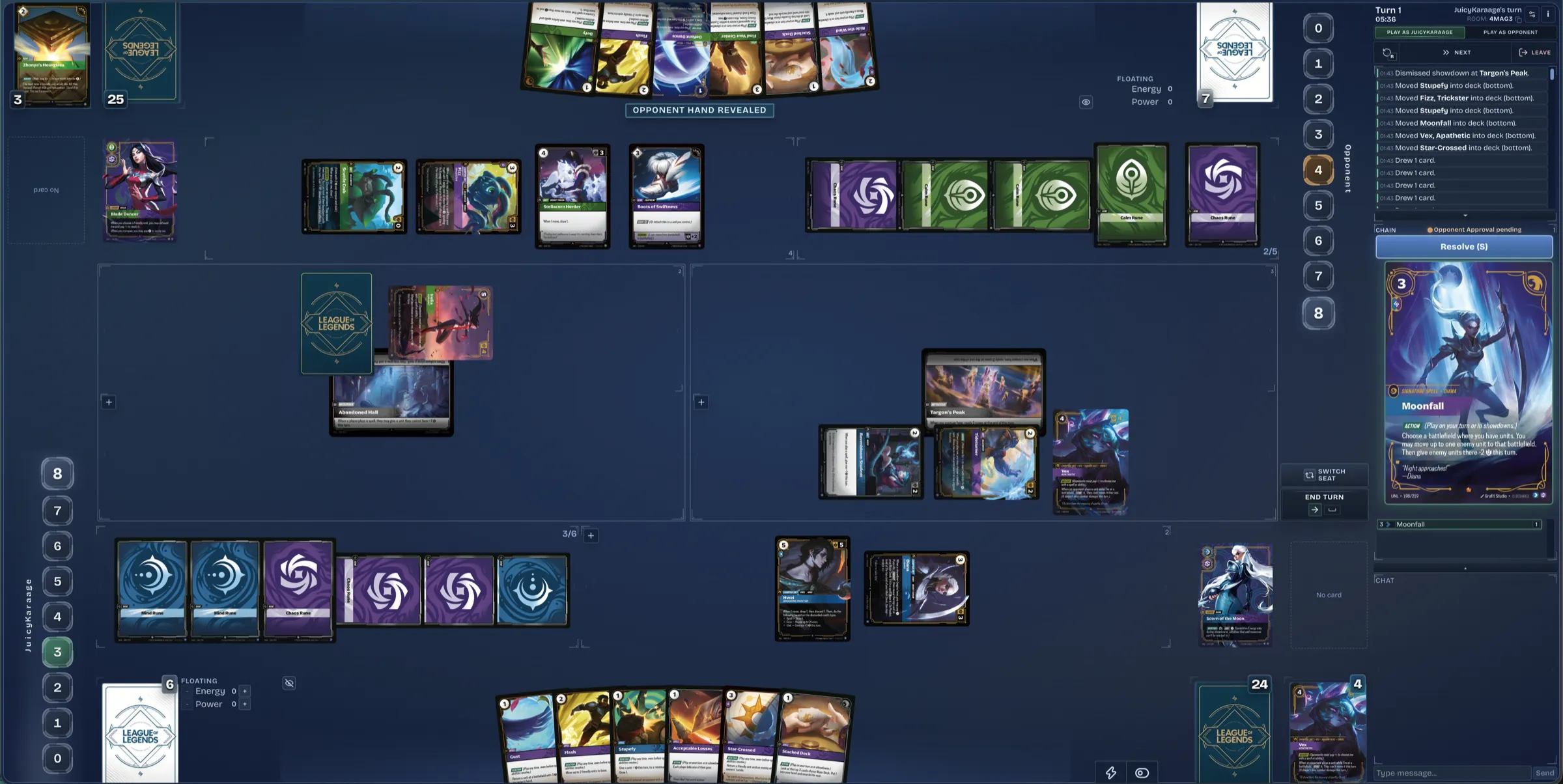

Deck panel hidden for this channel. In the extension, Show on all channels in Settings & Help (Watch, More settings) brings it back.
Your information, your choice.
Your opponent's hidden cards stay hidden
RiftSight never keeps or shows an opponent's hand, deck or face-down cards. The tracker lists only the cards they have revealed.
Match history stays on your device
The deck tracker and match history live in your browser. Exporting a match is up to you.
Sharing is separate and clear
Once a streamer links their channel, RiftSight shares the board their viewers already see. Deck sharing is off by default; shared deck counts can let viewers work out cards in your hand.
Video frames never leave your browser
Card recognition runs on your device and never uploads video frames. The videos you turn it on for are remembered only there.
Free, with no ads, subscriptions or analytics. Privacy Policy
Questions, bugs or ideas?
Discord is the fastest way to reach us. Updates go out on X.